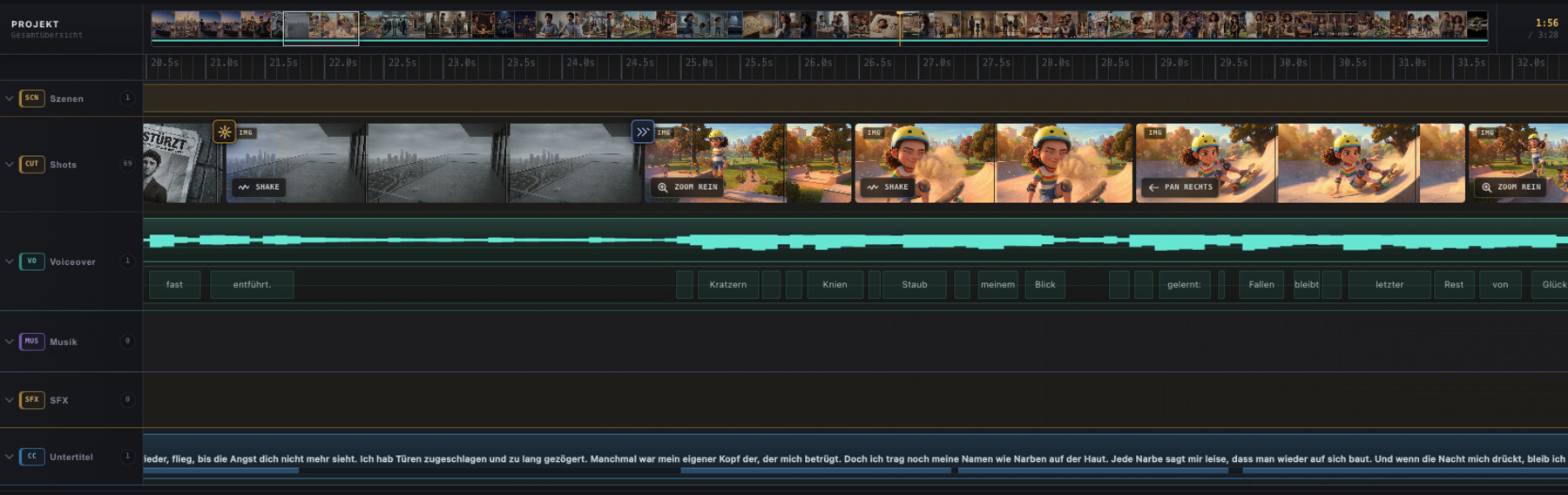
A timeline you can read.
Shots, voice, music, sound effects and captions stay in dedicated lanes instead of collapsing into visual noise.
A professional video editor built around the way stories actually come together: shot by shot, sound by sound, without an interface you need to study first.
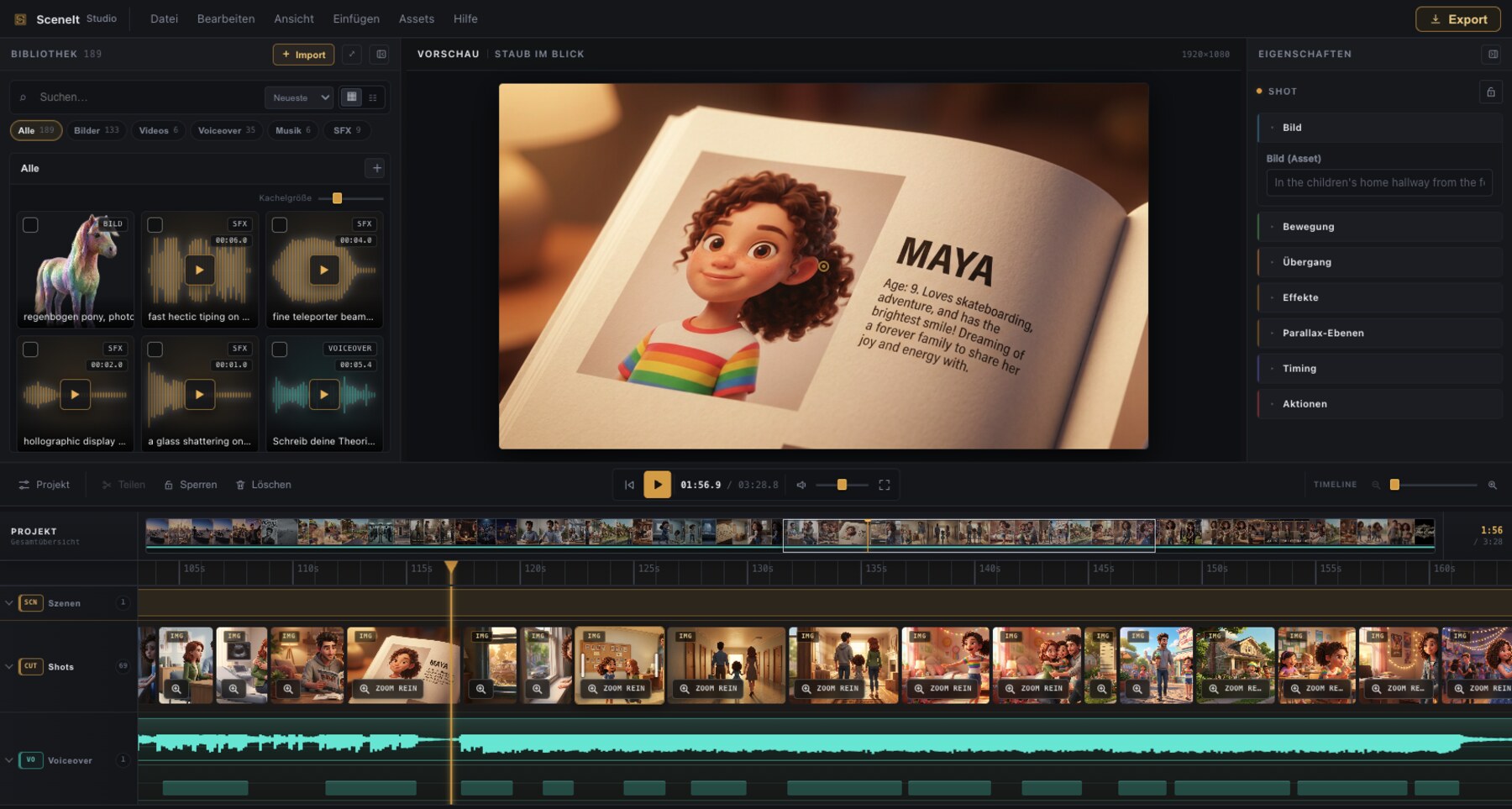
The whole editor. No feature tiers, in-app paywalls or recurring fees.
This film was assembled shot by shot inside SceneIt Studio 26 – visuals, voiceover, music, captions and final export included.
Everything important stays visible and understandable. The deeper controls are there when the cut asks for them.
Shots, voice, music, sound effects and captions stay in dedicated lanes instead of collapsing into visual noise.
Work vertical or wide, add polished motion and captions, and make content ready for TikTok, YouTube and beyond.
Get moving immediately, then open transitions, timing, motion, effects and adaptive tools only when they matter.
The complete editor is included. No subscription, recurring fee, upsell or feature paywall.
Use your own provider accounts at their price, import from other services, or work entirely with your own media.
Explore AI & MCP →Your projects and media remain local. Provider keys are protected in your Mac’s Keychain.
Feature SceneIt Studio 26 in a public YouTube or TikTok video.
One fair price. Everything included. No subscription, ever.